
How To’s
MyRobot.cloud is full of useful features and possibilities. It is useful both in sales and commissioning for the integrator and during operation for the end user.
In these articles, we have listed the features useful in the different scenarios to make it easier for you to utilize the full potential of MyRobot.cloud.

How to use MyRobot.cloud in sales
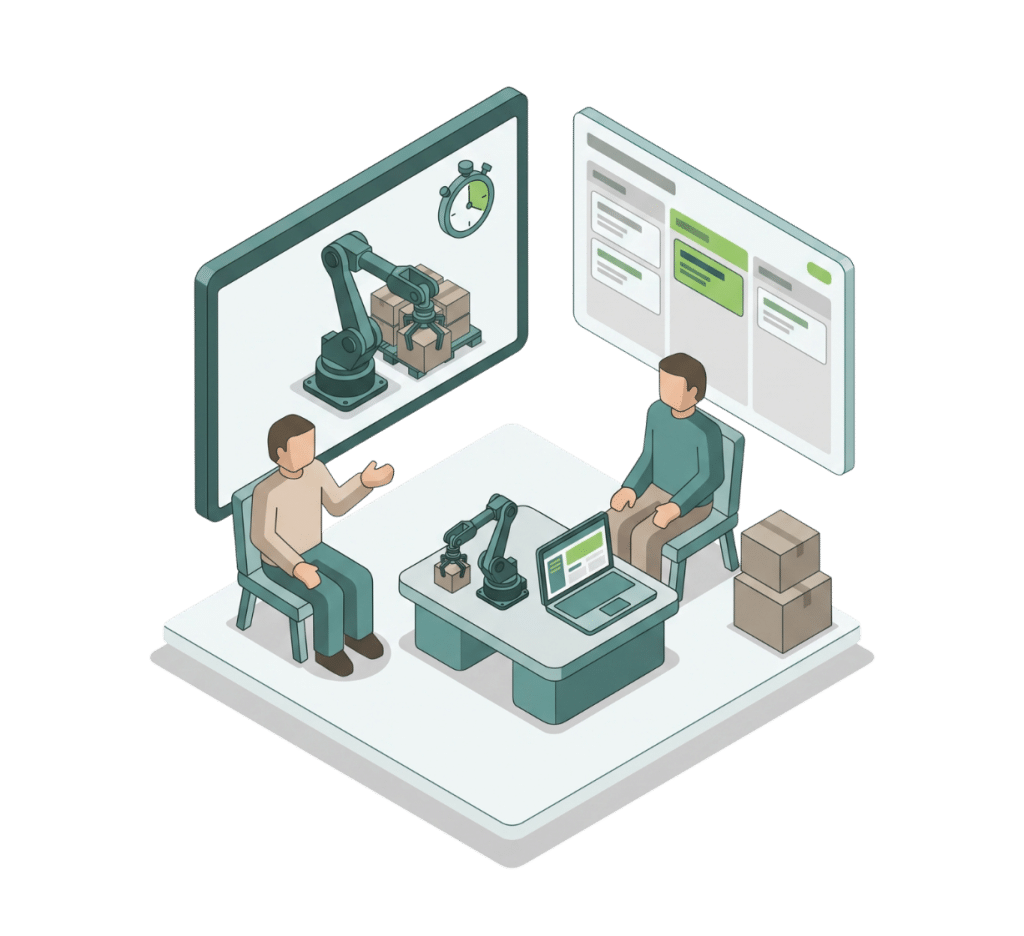
MyRobot.cloud can be a powerful tool throughout the entire sales process – from generating new leads to demonstrating and validating a complete palletizing solution.
Our knowledge base brings together everything you need to get started, including guides for:
- Setting up your sales organization and inviting colleagues
- Creating robot configurations for your standard solutions
- Generating leads with Fast Track links
- Setting up new customer projects with products, patterns and hardware
- Creating realistic simulations tailored to each customer
- Sharing simulations to demonstrate and validate the proposed solution
- Converting leads into customers and transferring the relevant configurations
- Inviting customer contacts to their MyRobot.cloud account
Use the knowledge base below to find step-by-step guides and all relevant links for each stage of the sales process.
How to use MyRobot.cloud in engineering and commisioning
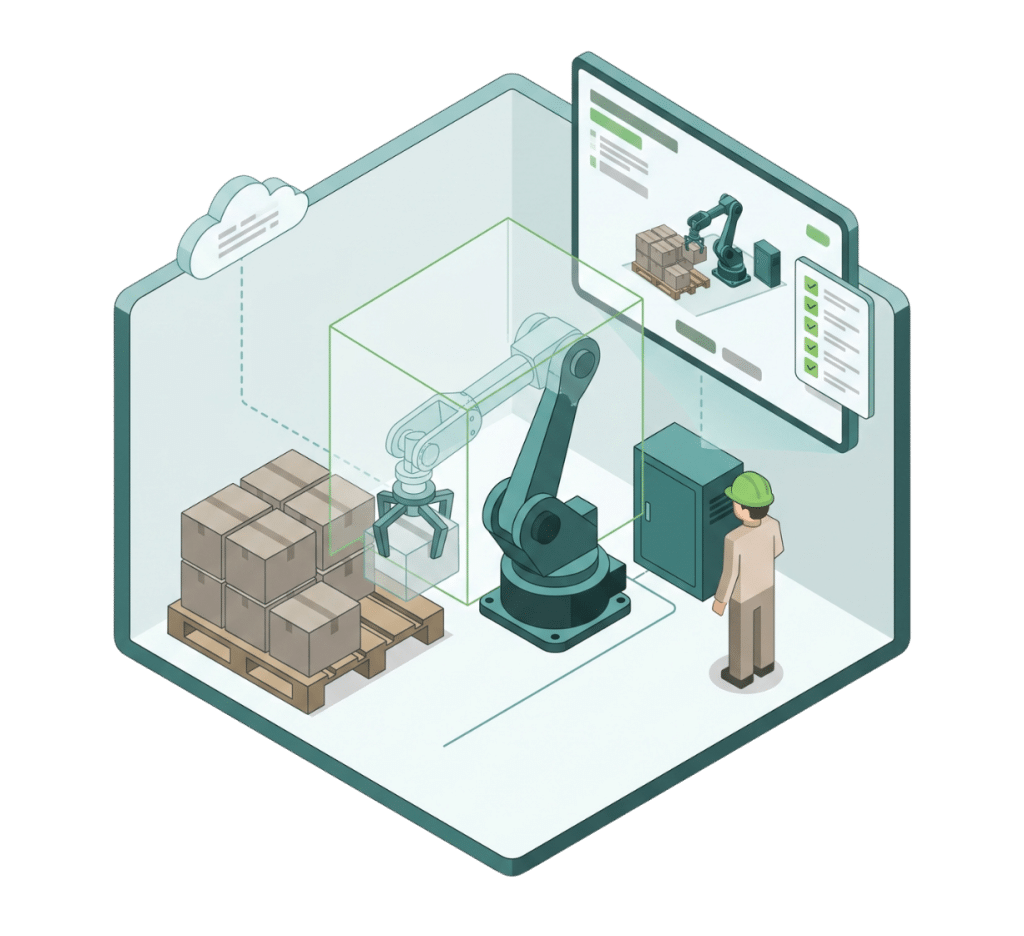
MyRobot.cloud supports the engineering and commissioning process by helping you prepare, test and validate palletizing solutions before arriving on site.
Our knowledge base brings together everything you need, including guides for:
- Creating and refining patterns for the customer’s products
- Building accurate hardware configurations that reflect the actual installation
- Optimizing software configurations for collision-free and efficient robot paths
- Creating simulations to test and validate the solution before commissioning
- Configuring custom grippers, including mechanical forks, clamps and custom grippers
- Downloading patterns for use during commissioning
- Setting up installed robots using Pally for Polyscope X configuration files
- Uploading technical documentation related to the installation
Use the knowledge base below to find step-by-step guides and all relevant links for engineering, preparation and commissioning.
How to use MyRobot.cloud as an end user
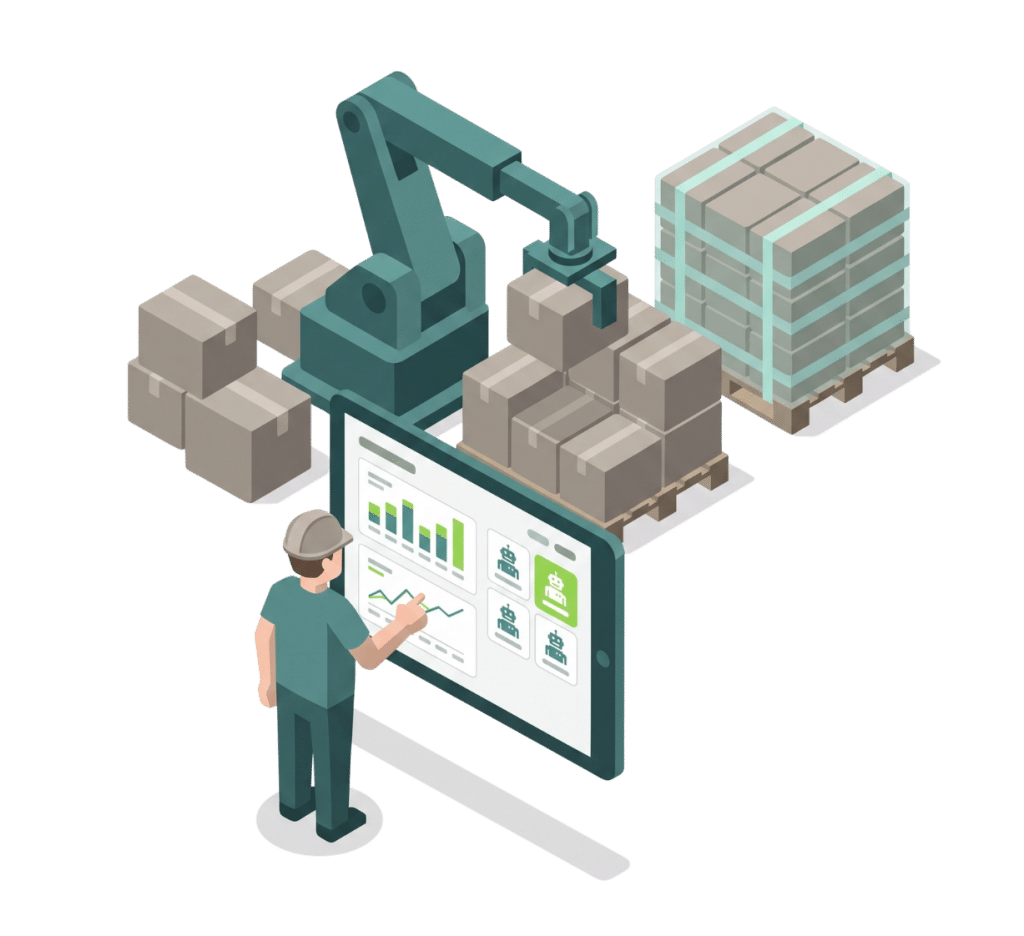
MyRobot.cloud gives end users the tools to manage, test, and optimize their palletizing installation – without having to start from scratch whenever products or patterns change.
Our knowledge base brings together everything you need, including guides for:
- Creating new pallet patterns for new products or requirements
- Simulating new patterns with your installed robot to verify that the existing setup can handle them
- Identifying potential improvements to the installation before making changes on the production floor
- Accessing technical information about your palletizing installation
- Keeping backups of your installation and configuration
Use the knowledge base below to find step-by-step guides and all relevant information for managing and getting the most out of your MyRobot.cloud installation.
Couldn’t Find what You’re Looking for?
We’re here to help!
Didn’t Find the Answer to your Question?
Let’s teach you!